
Author

OpenAI has launched its groundbreaking AI-powered web browser, ChatGPT Atlas, starting with a global release for macOS users. This isn’t just another browser with a chatbot extension; it’s a fundamental reimagining of the online experience, built from the ground up to make artificial intelligence a native and intuitive part of how we navigate the web.
A Hands-On Look For ChatGPT Atlas Features for macOS
FOR IMMEDIATE RELEASE
In a move that signals a significant shift in the digital landscape, OpenAI has officially launched ChatGPT Atlas, a new AI-native web browser designed to compete directly with giants like Google Chrome. The initial rollout focuses on macOS users, with Windows, iOS, and Android versions promised in the coming months. This launch represents OpenAI’s most ambitious attempt yet to integrate its conversational AI directly into the fabric of everyday internet use.
Beyond the Extension: A Native AI Experience
Unlike traditional browsers where AI is a secondary tool, ChatGPT Atlas is built with the AI as its core engine. The familiar new-tab page has been reimagined into a unified command center, combining a traditional search bar with the conversational interface of ChatGPT.
“Think of it less as a browser with AI and more as an AI that can browse the web for you,” explained a product demonstrator in a recent technical briefing. This integration allows users to fluidly switch between standard search results, AI-generated summaries, and full websites without ever losing the context of their conversation.
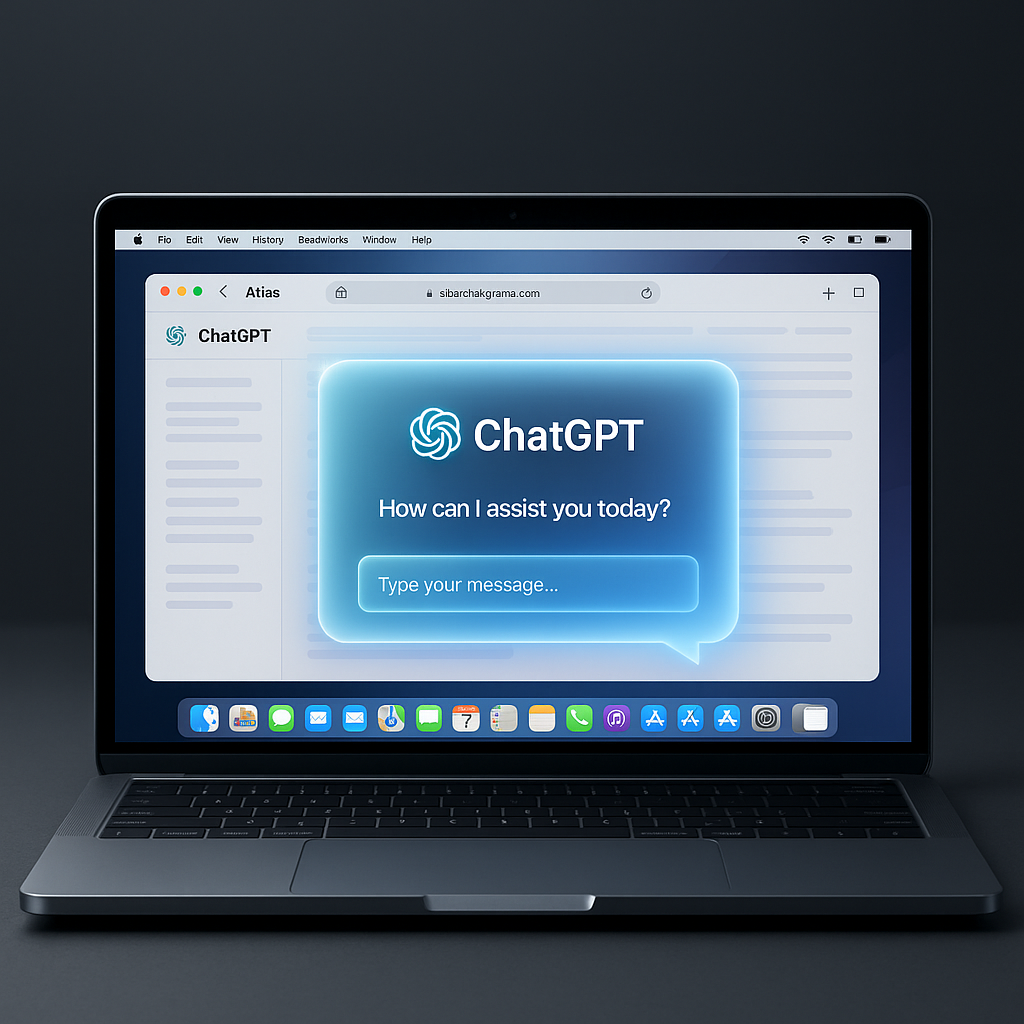
Key ChatGPT Atlas Features for macOS That Change the Game
For early adopters on Apple’s platform, several standout ChatGPT Atlas features for macOS are drawing significant attention from tech analysts.
1. Revolutionary Browser Memory
A flagship capability is the browser’s optional memory function. When enabled, Atlas can learn from your browsing activity to provide profound contextual assistance. Imagine asking, “What were the main points of that research paper I read yesterday?” without having to re-find the link. OpenAI emphasizes user control, stating that memory can be managed, cleared, or disabled via a private browsing mode, and data is not used for training by default.
2. Proactive ‘Agent Mode’
Moving beyond passive assistance, Atlas introduces ‘Agent Mode’. In this state, the AI can perform multi-step tasks autonomously within the browser. According to Product Lead Adam Fry, this isn’t just about finding information. “Atlas can now research a topic, compare products across different tabs, and even initiate actions like booking a table at a restaurant or drafting an email based on your instructions,” Fry stated in a press release. This aligns with a growing trend of “AI agents” capable of executing complex commands.
3. Contextual ‘Cursor Chat’ for Instant Editing
Another highly practical feature is ‘cursor chat’. Users can highlight any text on a webpage—a sentence in an email, a paragraph in a document—and instantly command ChatGPT to rewrite, summarize, or translate it. This seamless interaction eliminates the need for copy-pasting between windows, streamlining content creation and editing directly within the browsing flow.
The Bigger Picture: The Future of Search
OpenAI is leveraging its established authority in the AI space. By building the browser itself, they aim to create a more integrated and trustworthy environment than a third-party extension could offer. The company’s clear data control policies are a direct response to growing user concerns about privacy in AI applications.
Industry experts see Atlas as a direct challenge to Google’s search dominance. “This is the first browser that truly inverts the search paradigm,” commented Dr. Anya Sharma, a technology analyst at Future Insights Institute. “Instead of you searching for information, the browser’s AI agent can now proactively gather, synthesize, and act on it. The long-term implications for how we work and find information online are substantial.”
Conclusion on ChatGPT Atlas features for macOS : More Than Just a New Browser
The launch of ChatGPT Atlas for macOS is not merely the introduction of another application; it is a bold vision for the future of human-computer interaction online. Its core ChatGPT Atlas features for macOS, including its native AI integration, contextual memory, and proactive Agent Mode, position it as a powerful and intelligent alternative for users seeking a more efficient and conversational way to use the internet. As the platform expands to other operating systems, it is poised to become a major player in the evolving browser wars.
Frequently Asked Questions (FAQs) on ChatGPT Atlas features for macOS
Q1: Is ChatGPT Atlas free to use on macOS?
Currently, access to ChatGPT Atlas is available to users with a ChatGPT Plus subscription. OpenAI has not announced plans for a separate, free tier for the browser at this time.
Q2: How does the ‘Browser Memory’ feature handle my private data?
OpenAI states that users have complete control. You can view, delete, or disable memory at any time. Browsing in a private session does not use memory, and by default, your content is not used to train OpenAI’s models.
Q3: Can ChatGPT Atlas with Agent Mode actually log into my accounts to book flights?
Not directly. For security, Agent Mode will guide you through the process and fill in information, but it will typically require a final confirmation or authentication step from you to complete sensitive transactions, similar to how a password manager works.
Disclaimer on ChatGPT Atlas features for macOS
This article is for informational and news purposes only. Features and availability of ChatGPT Atlas are subject to change by OpenAI. The information presented does not constitute financial, legal, or technical advice. Readers should refer to the official OpenAI website and terms of service for the most current and detailed information.
Also Read: 5 Affordable Ways to Boost Home WiFi Speed | A 2025 Guide